The best examples are scattered everywhere.
A few live in a Gmail label, some are screenshots, others are buried in Slack, Figma, Notion, or a browser bookmark folder.
mailblast / Email swipe file
Forward any campaign to your private Mailblast address. Search it later with the context intact, organize it with your team, and turn the strongest references into original on-brand emails.
The problem
Marketers already collect examples. The problem is that the collection is fragmented, stripped of context, and disconnected from the work that comes next.
A few live in a Gmail label, some are screenshots, others are buried in Slack, Figma, Notion, or a browser bookmark folder.
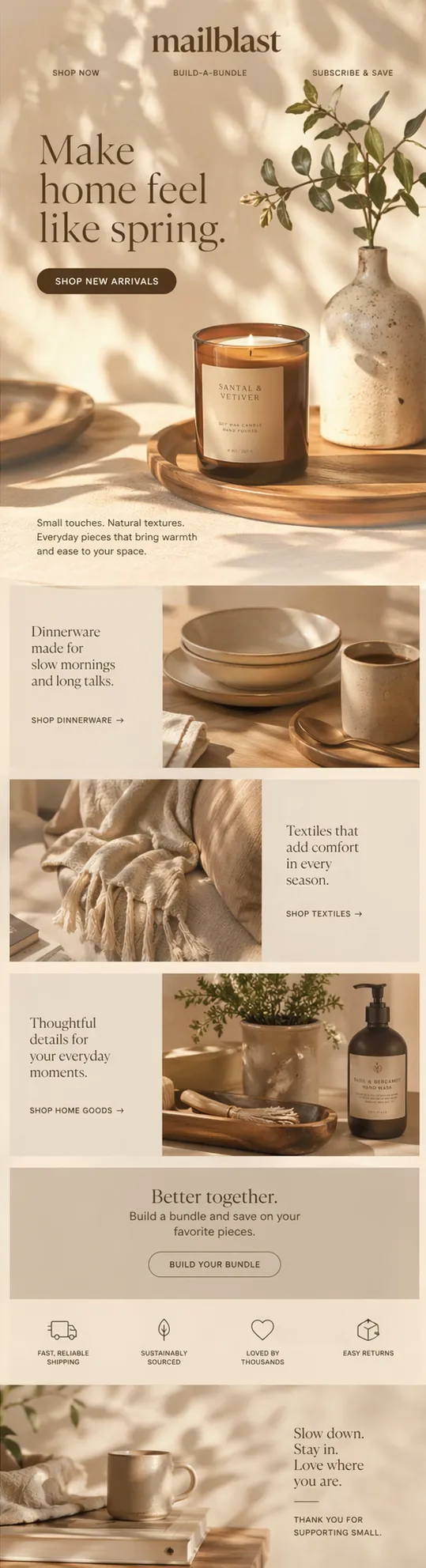
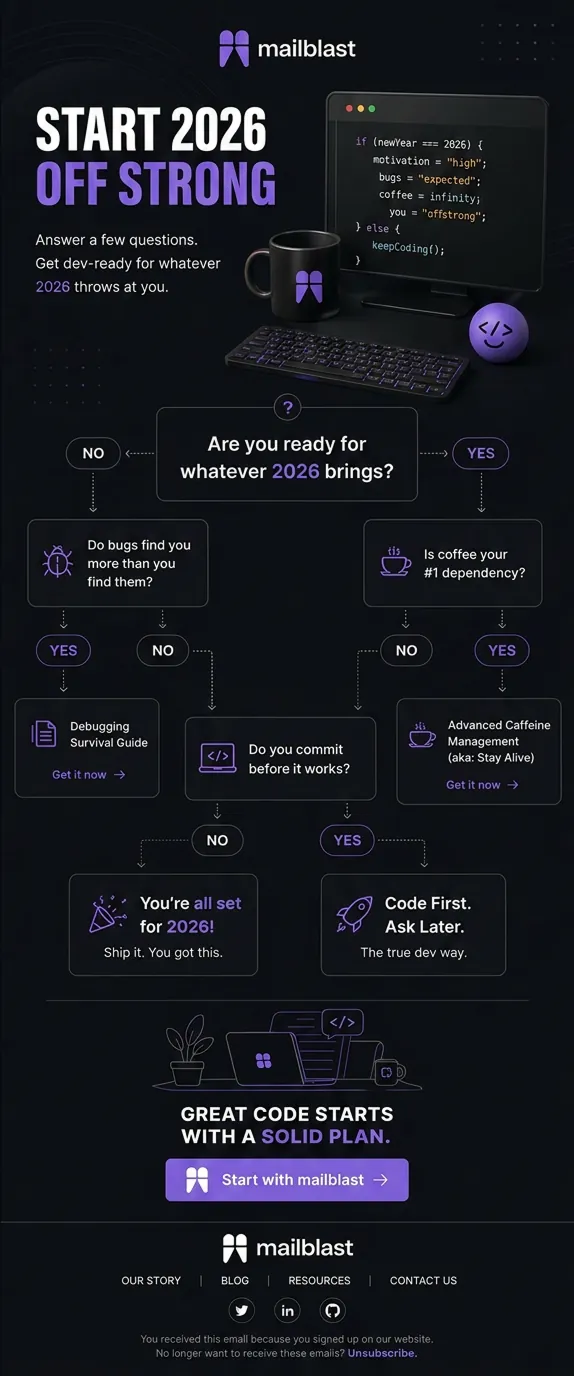
The visual survives, but the sender, subject line, date, links, and reason you saved it are usually gone when you need them.
Public galleries are useful for discovery, but they cannot replace the private collection your team builds from the brands and campaigns it actually studies.
Most swipe files stop at storage. You find the example, open another tool, explain it again, and manually translate the idea into your own campaign.
The workflow
Send any campaign to your private @save.mailblast.ai address from the inbox you already use.
Search and organize the saved visual email with its sender, subject line, and campaign context intact.
Group references by campaign type, offer, season, visual direction, client, or any system your team understands.
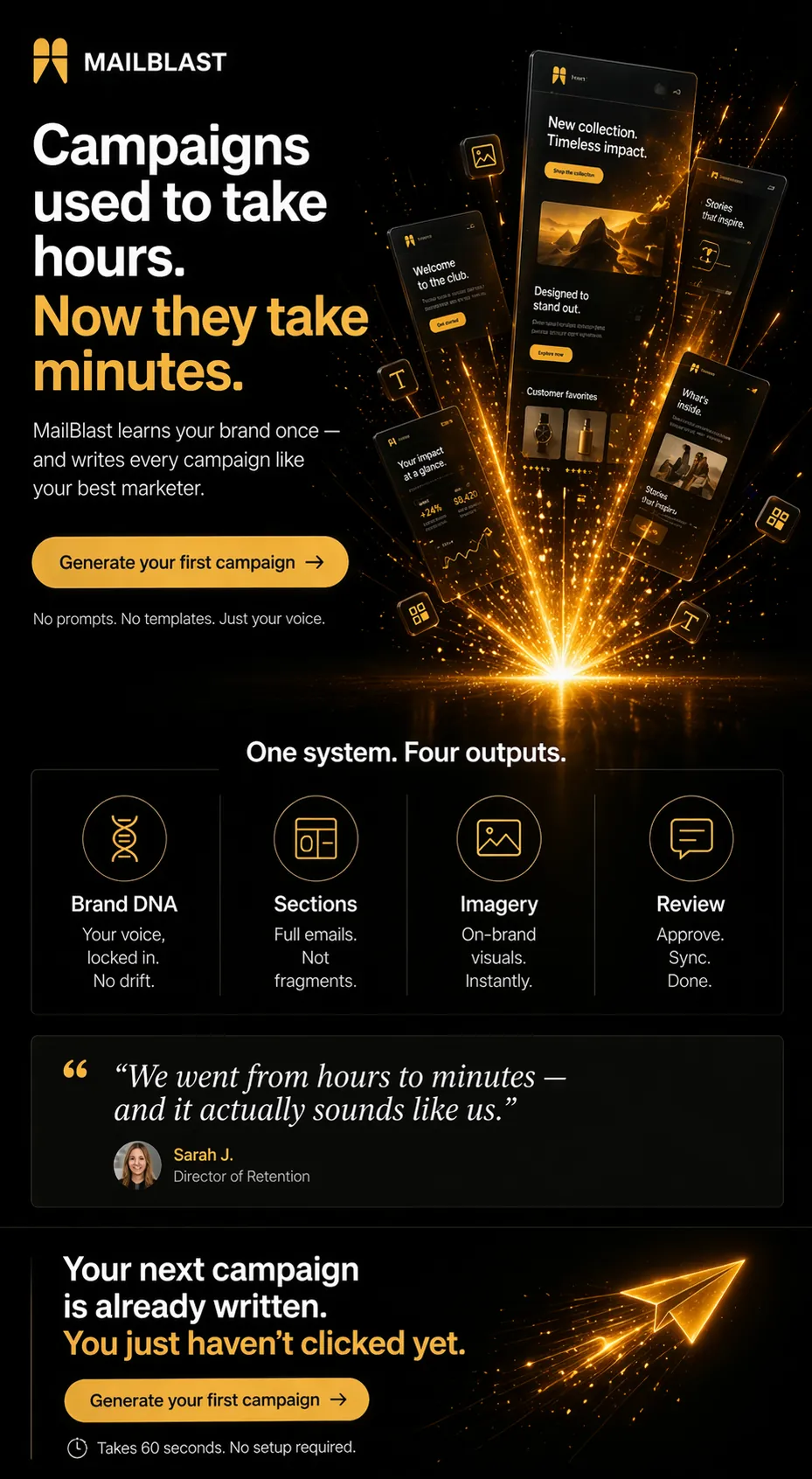
Use a saved email as inspiration, then generate a new campaign with your own Brand DNA, products, copy, and imagery.
What changes
The examples your team values become a shared, searchable asset instead of personal inbox archaeology.
Keep the visual campaign together with the metadata that explains when it appeared and why it mattered.
A strong reference can become the starting point for a fresh, on-brand campaign without a second manual rebuild.
Questions
An email swipe file is a private, organized collection of campaigns you save for research and creative inspiration. It helps you retrieve useful examples by pattern or purpose instead of searching an inbox from memory.
Forward it to your unique @save.mailblast.ai address. Mailblast stores the visual email and keeps useful campaign context attached.
No. The product angle is a private swipe file built from the emails you and your team intentionally save.
Yes. Subscribe to that newsletter with your Mailblast save address and future sends will arrive in the product automatically.
Yes. Use the example as a reference for structure or direction, then generate a new campaign using your own brand context and assets.
Start with a real campaign
Bring one campaign brief and one email you saved. We will turn both into an on-brand draft during a 20-minute demo.
Book a demo